Bin and stock planning for automated storage
From item data to a grid that keeps up
GridFit plans which bin types your items go in, how much of each you keep and how large your grid needs to be, so robots and pick stations keep moving.
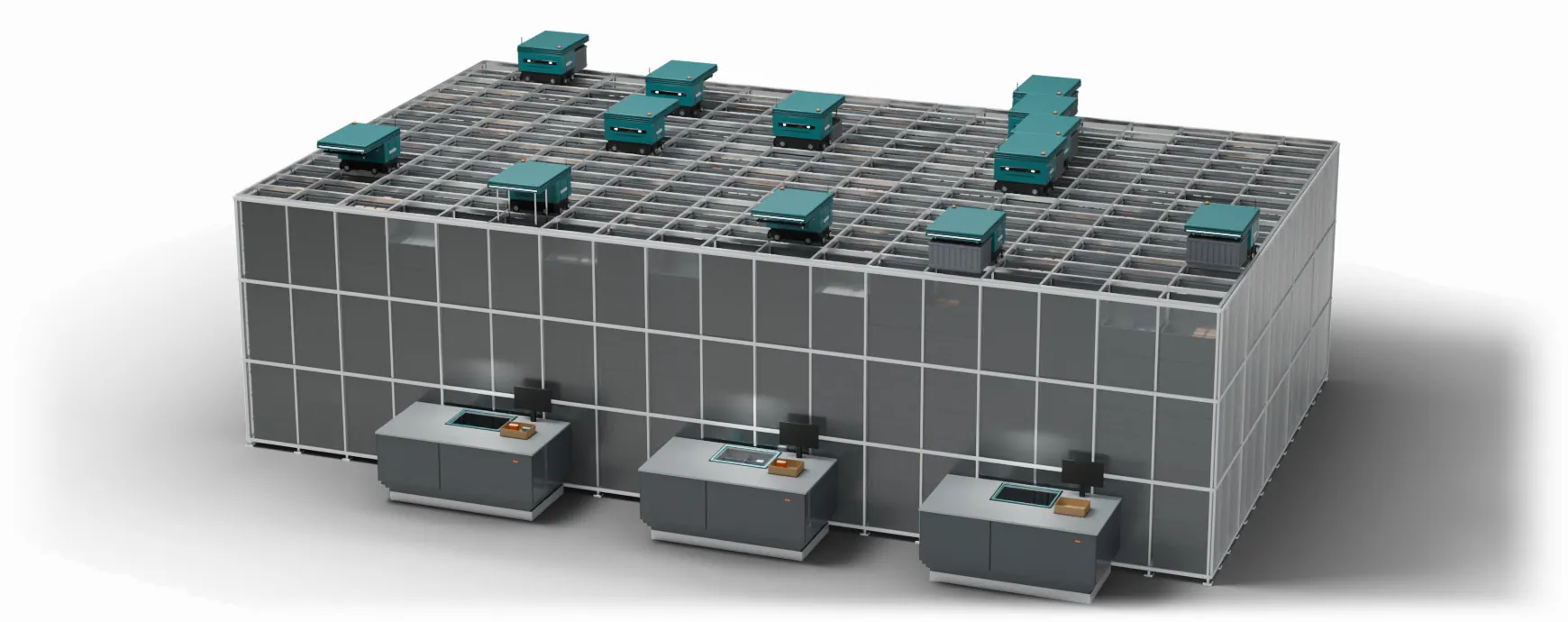
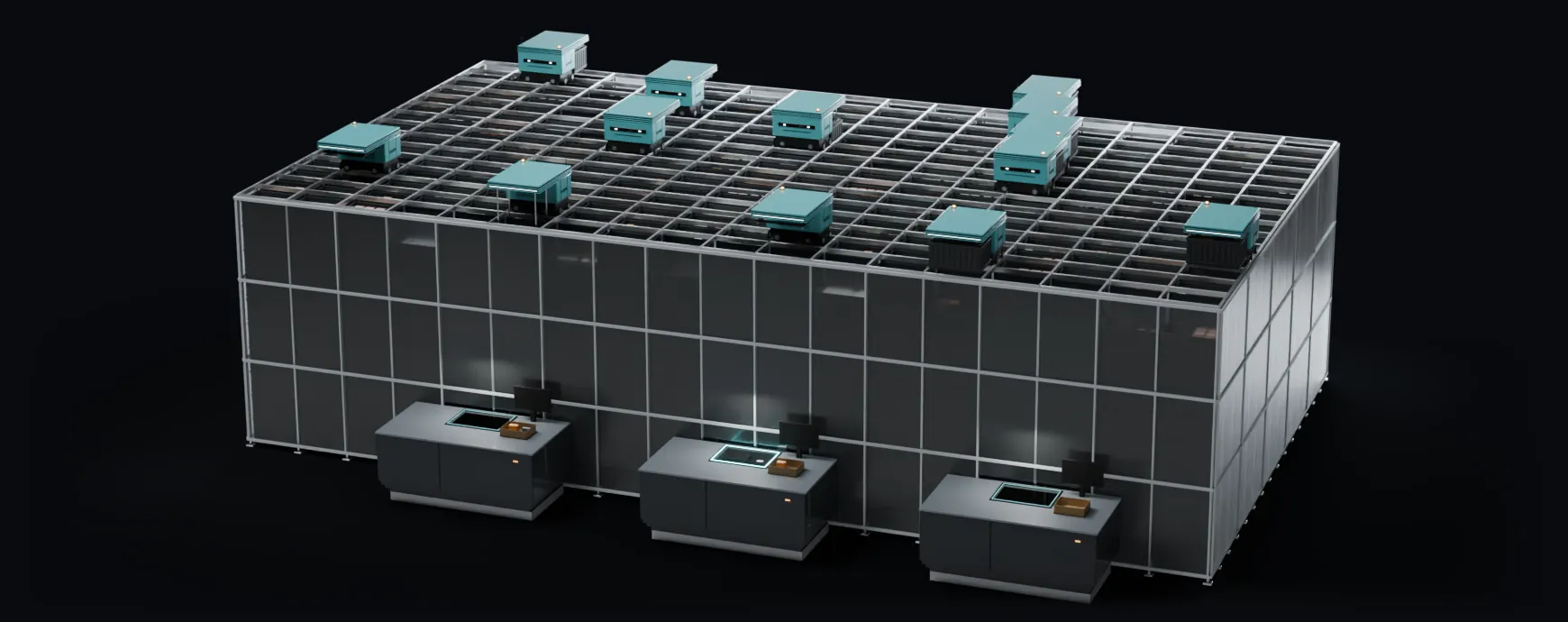
The grid at work: robots, bins and pick stations
The hidden costs in a grid
Most of them start long before a robot moves.
Item data with gaps
Missing sizes, weights or pack details lead to the wrong bins and the wrong decisions.
Guessing what fits
Nobody knows for sure how many of an item a bin really holds.
Stock levels from gut feel
Too much of the slow items and too little of the fast ones, with seasons left out.
Hot bins, waiting ports
When a fast item sits in one bin, robots and pickers wait for it.
Stock drifting from the plan
Over time bins are filled the wrong way, run near empty or get too heavy.
A grid sized on hope
Grid size, robots and ports guessed, and no way to know it will keep up at peak.
See what these costs mean for your grid.
Try the free grid checkOne platform, the whole chain
Each step builds on the one before. It starts with your first item file and ends with the busiest day of the year.
- Data
Clean item data
Finds gaps and errors in your item data before they cost money, and keeps bad data out of every decision.
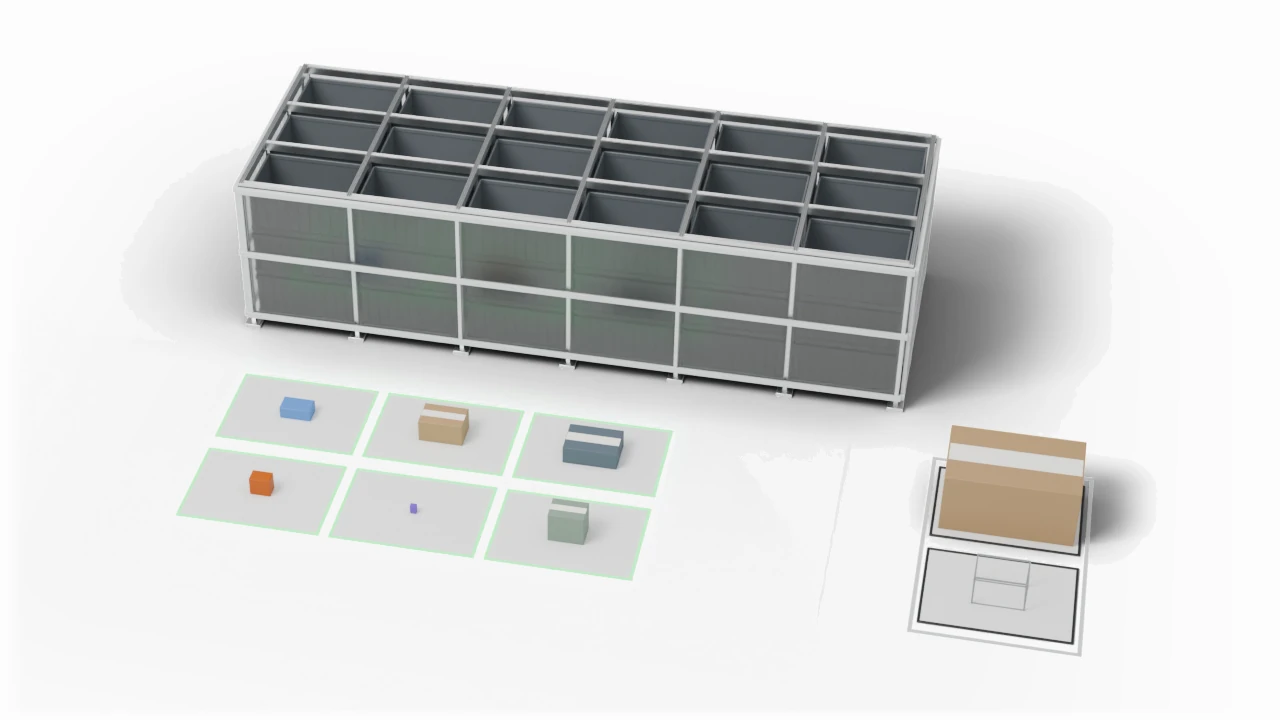
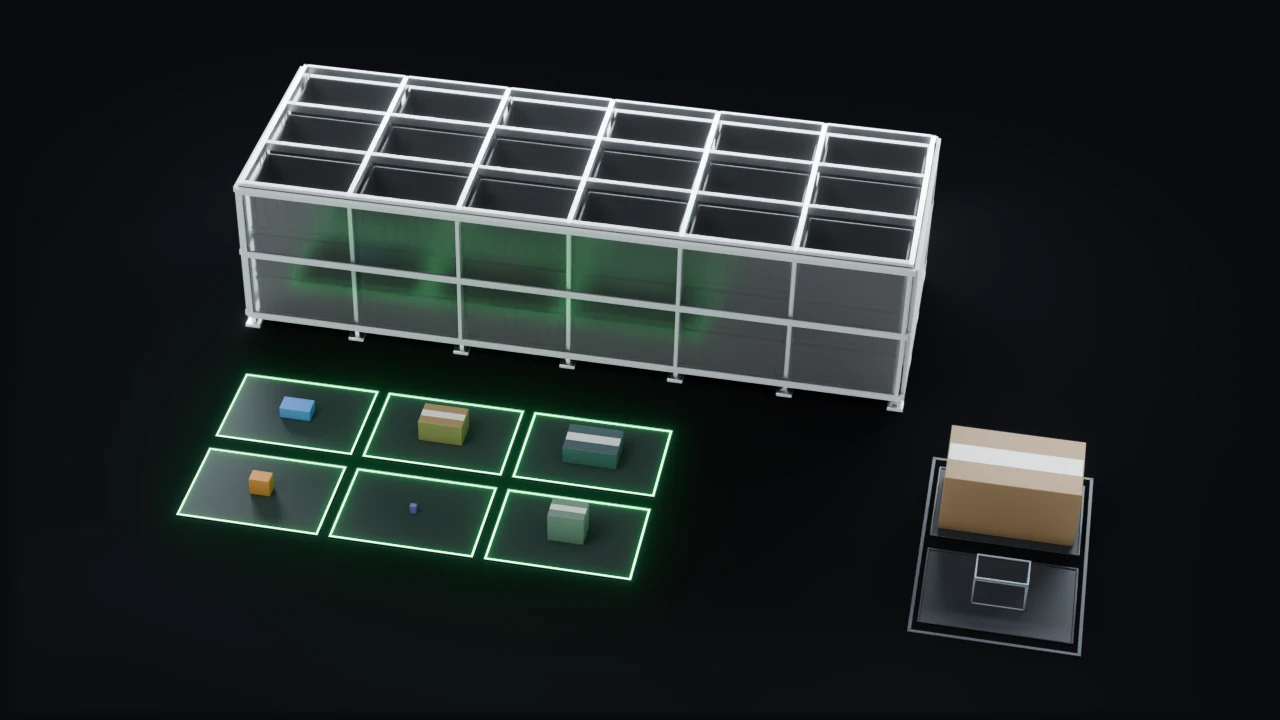
Clean item data
- Fit
Know what fits
Knows how many of each item fit each bin type, and spots items that are not worth storing in the grid.
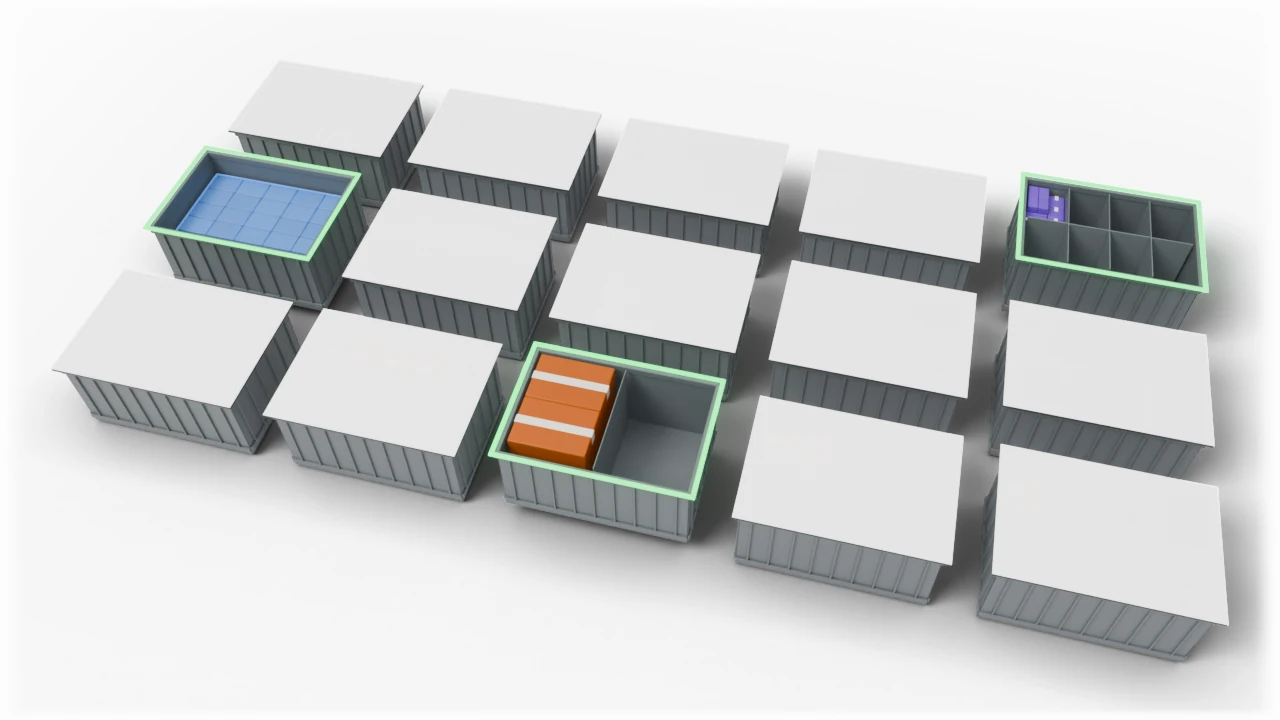
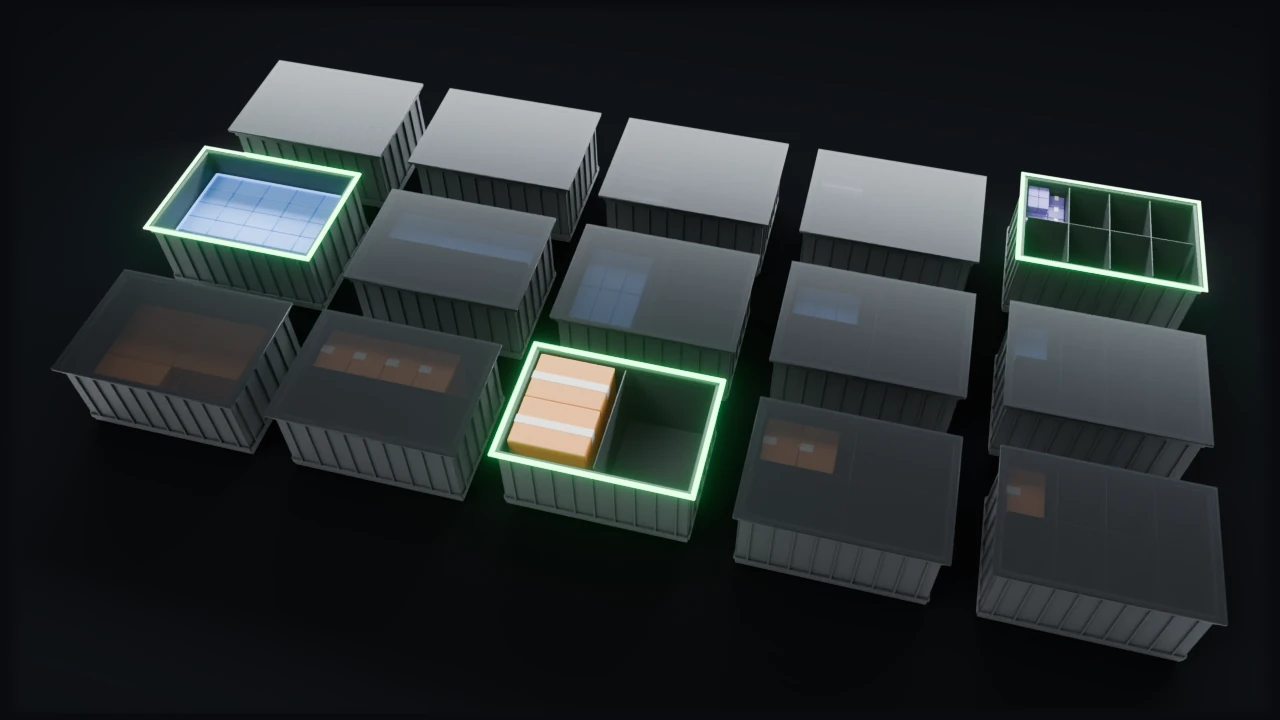
Know what fits
- Plan
Stock and bins from real demand
Spreads fast items over more bins and sets how much of each to keep from your order history and a forecast. Every item's settings are listed for your WCS.
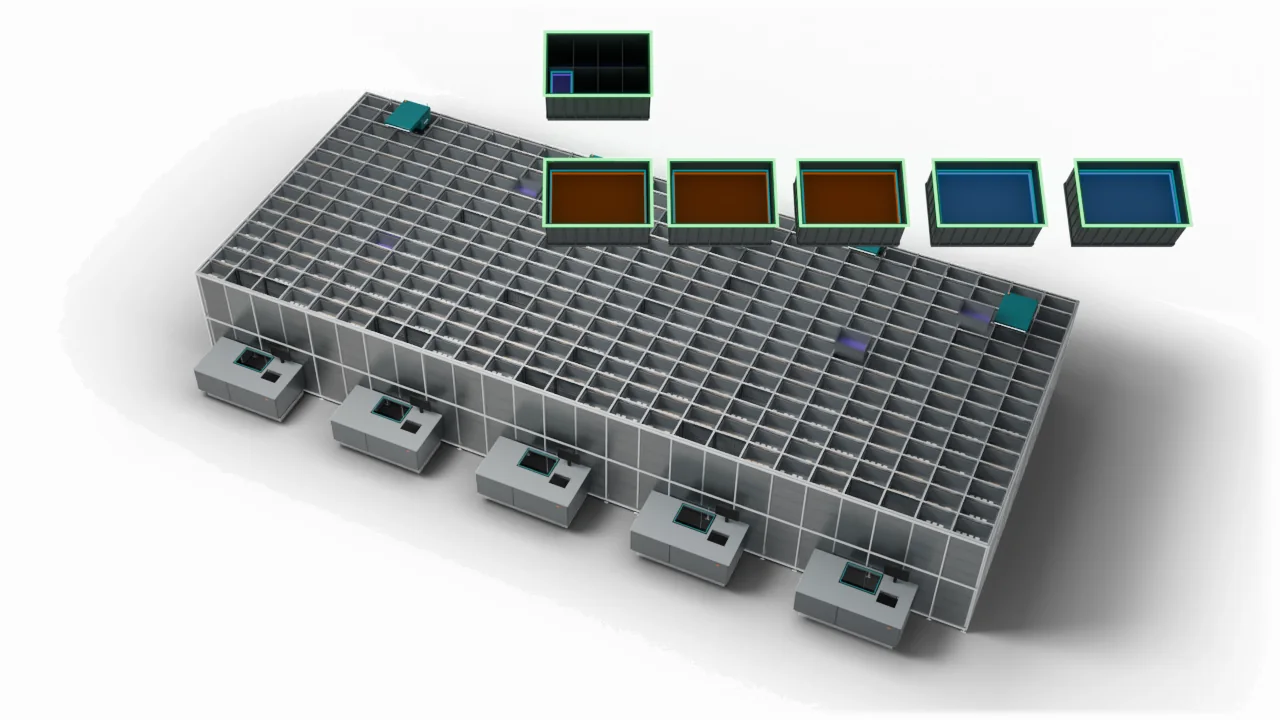
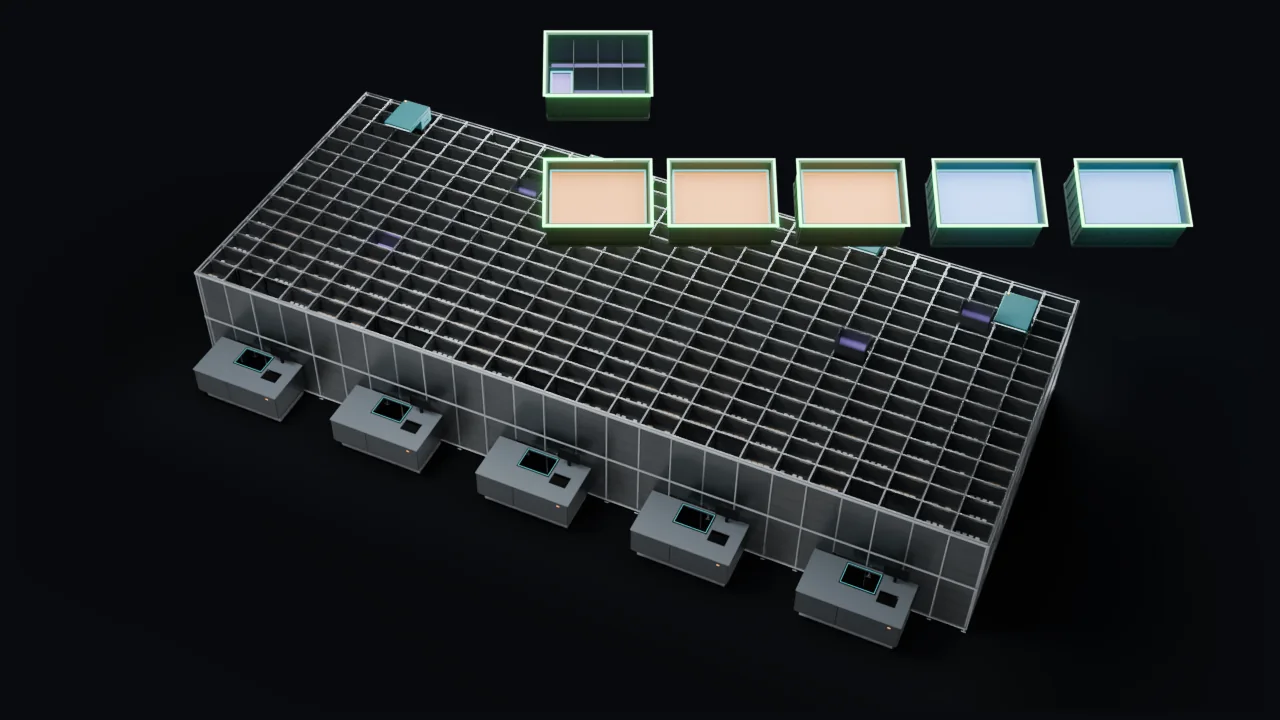
Stock and bins from real demand
- Run
Keep the grid on plan
Checks today's stock against the plan and lists what to fix, with refill lists and decant cards for the team. Try a change before you make it, and keep a record of every decision.
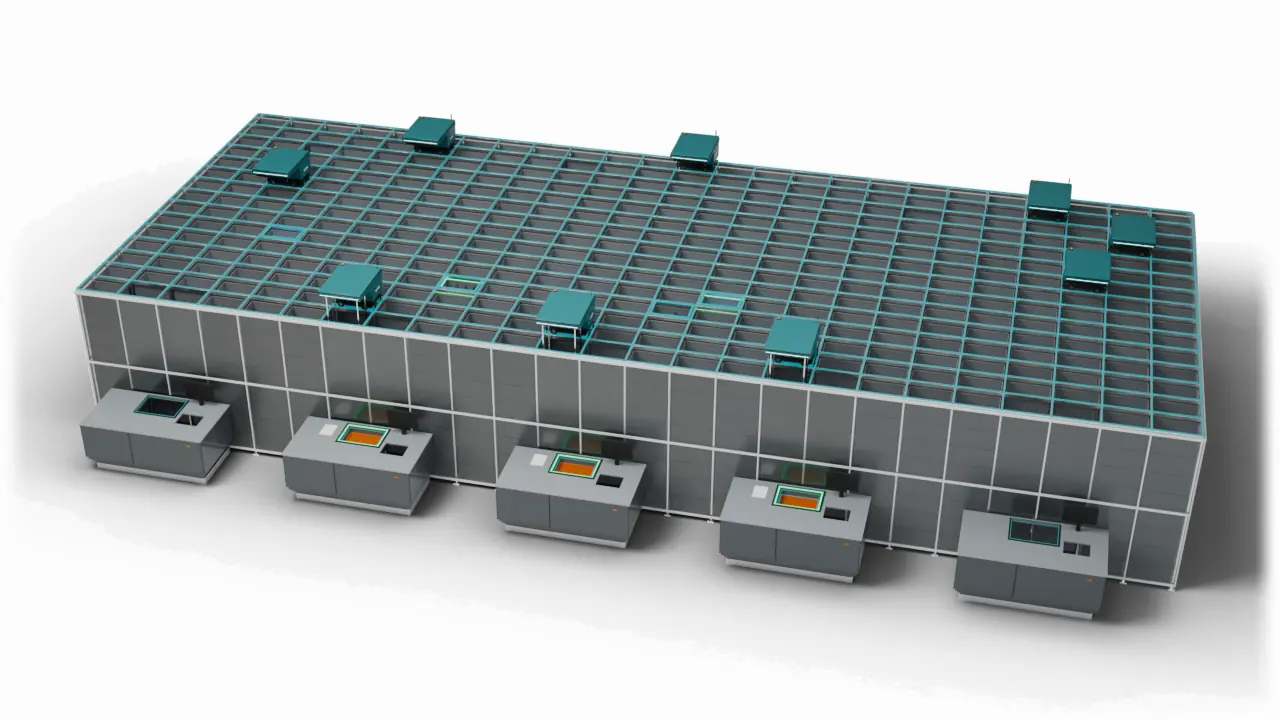
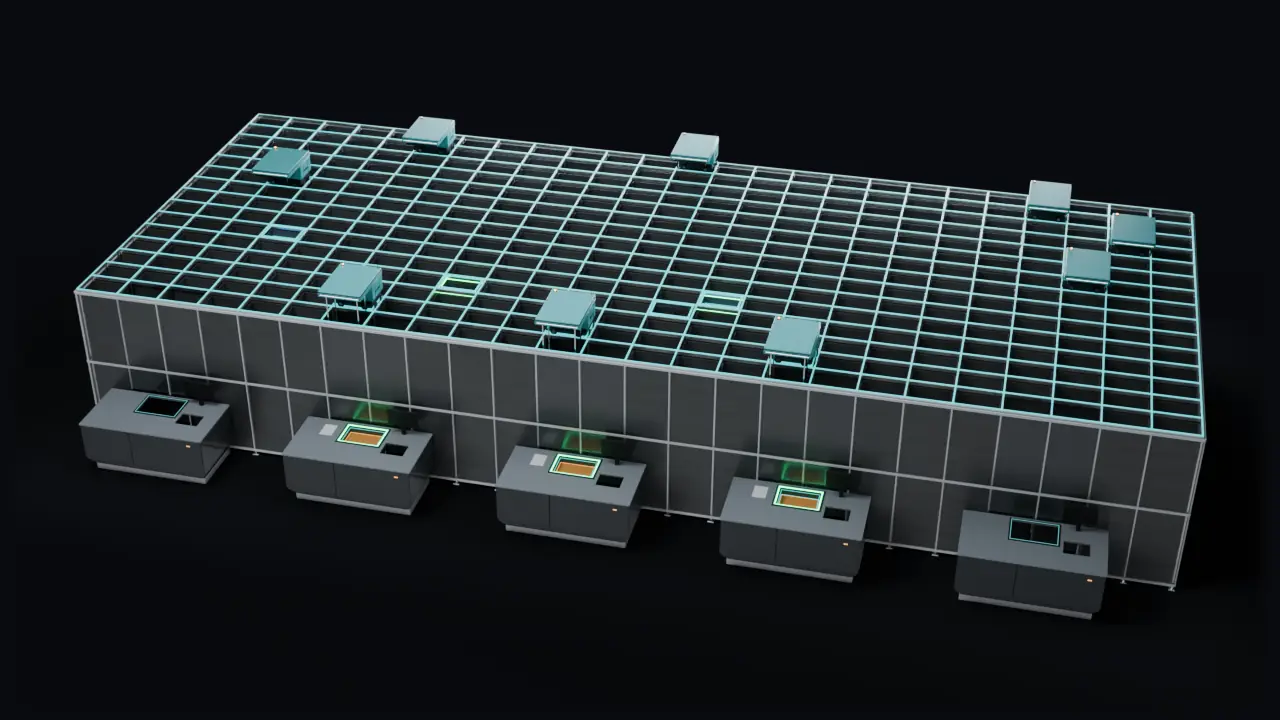
Keep the grid on plan
- Grow
Size the grid before you buy
Works out the bins, space and robots you need for your ports, with a layout and a bill of quantities.
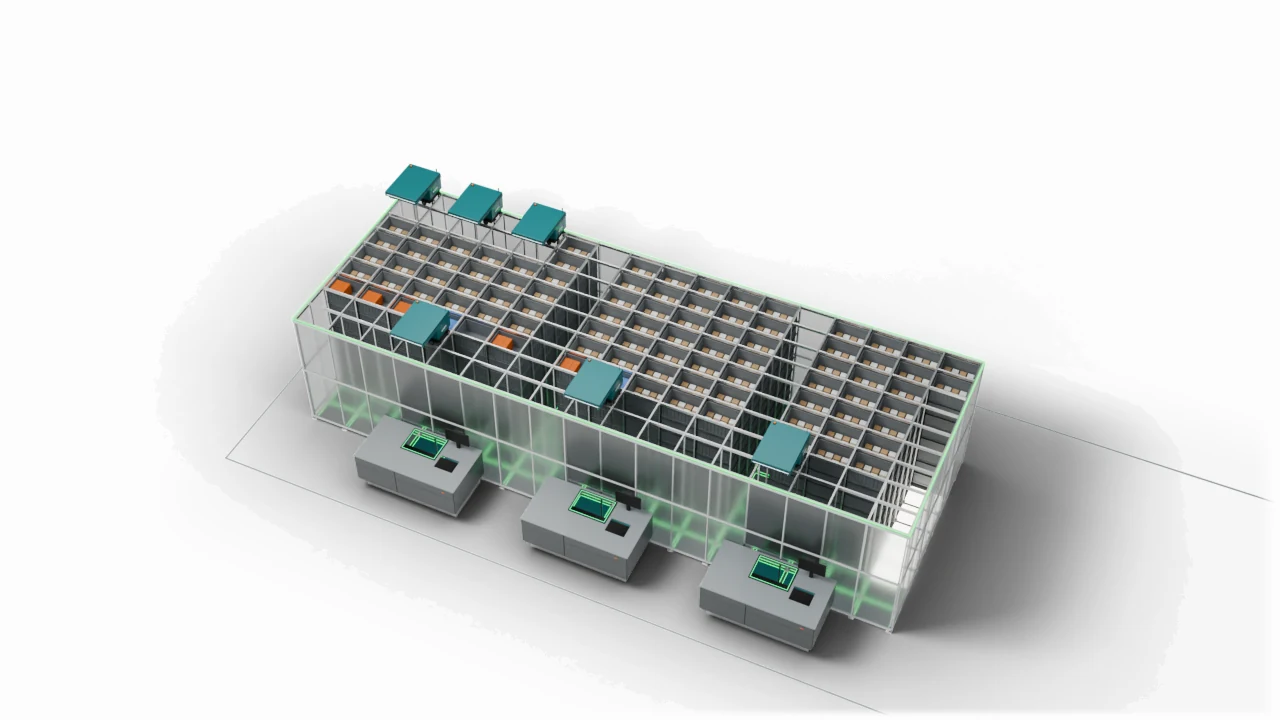
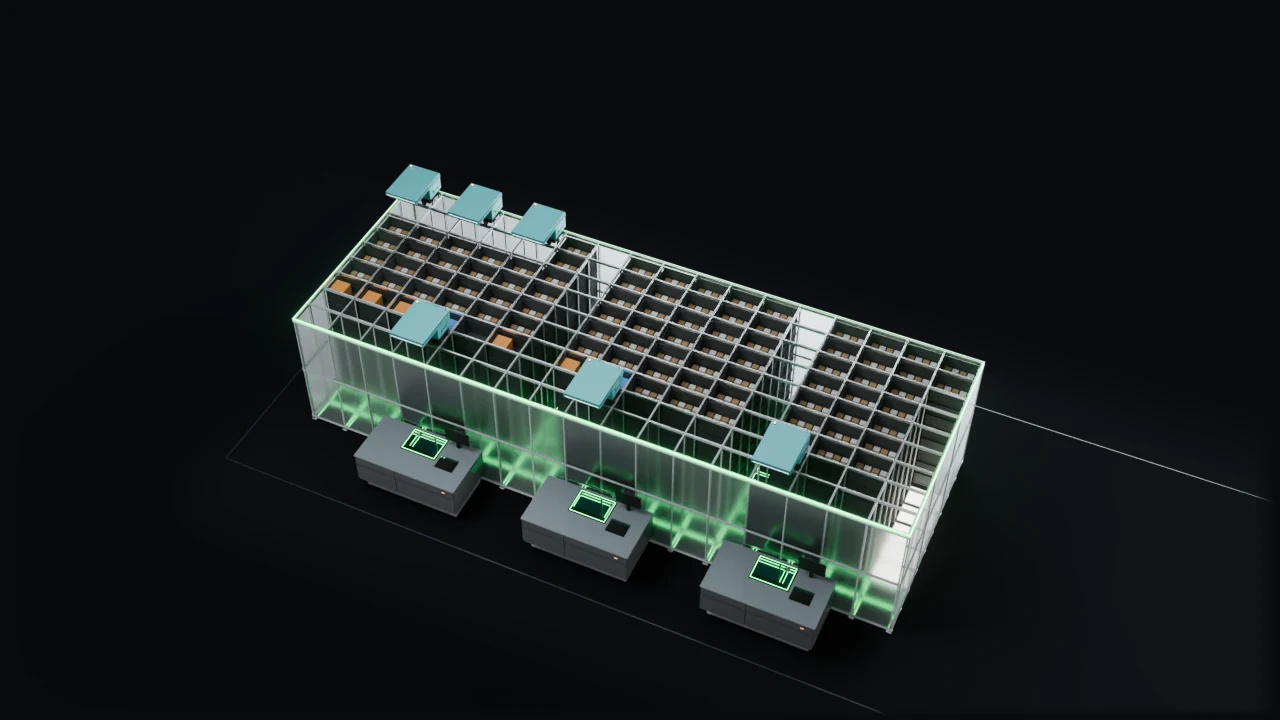
Size the grid before you buy
- Prove
See if it keeps up at peak
Plays a busy day on your grid, so you see whether it keeps up before you build or change it.
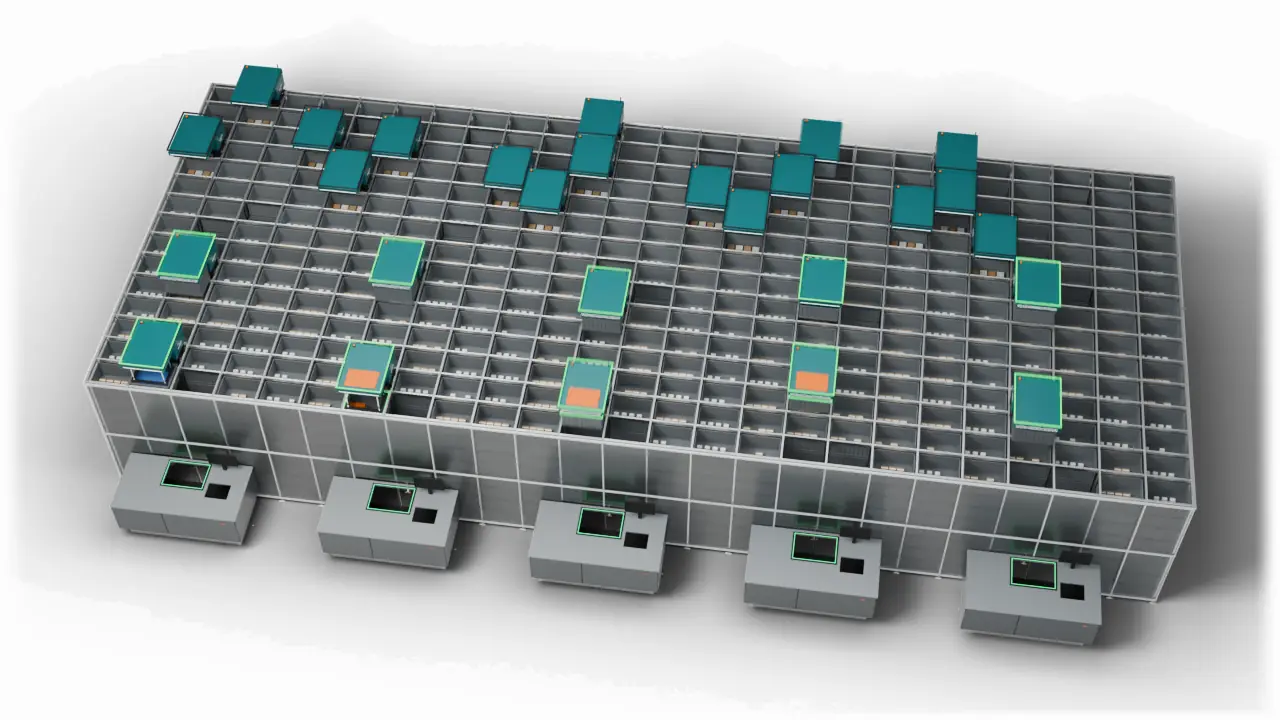
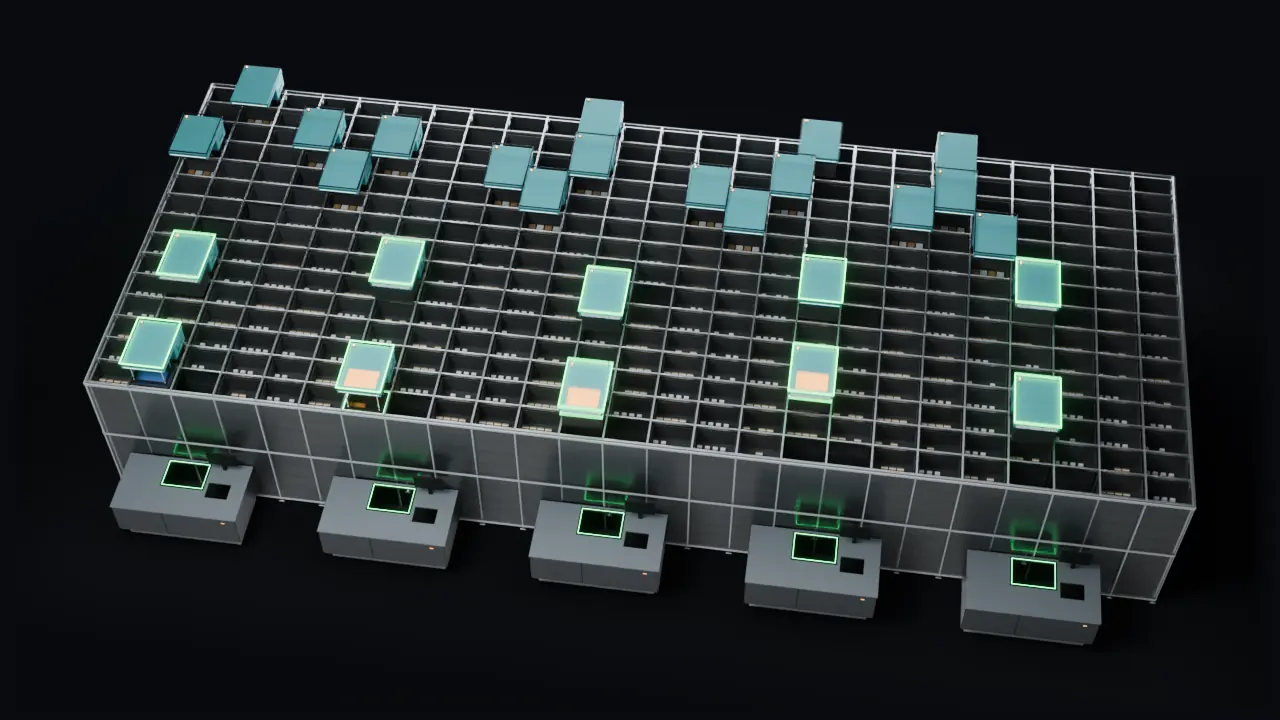
See if it keeps up at peak
Also included
Shipping boxes
Recommends a set of shipping boxes that suits your orders.
An assistant
Explains results in plain words, so the knowledge does not sit in a few heads.
See the whole chain on your own data.
Book a demoA look inside
The ideas behind GridFit, in motion. The full picture comes in a demo.
See how each item sits in its bin
Packed by guess: loose items, an overweight bin and a bin of mostly air.
GridFit packs each item tight, sets the right cap and picks the compartment size.
The same stock in 8 bins instead of 12. The grid needs less room.
See how each item sits in its bin 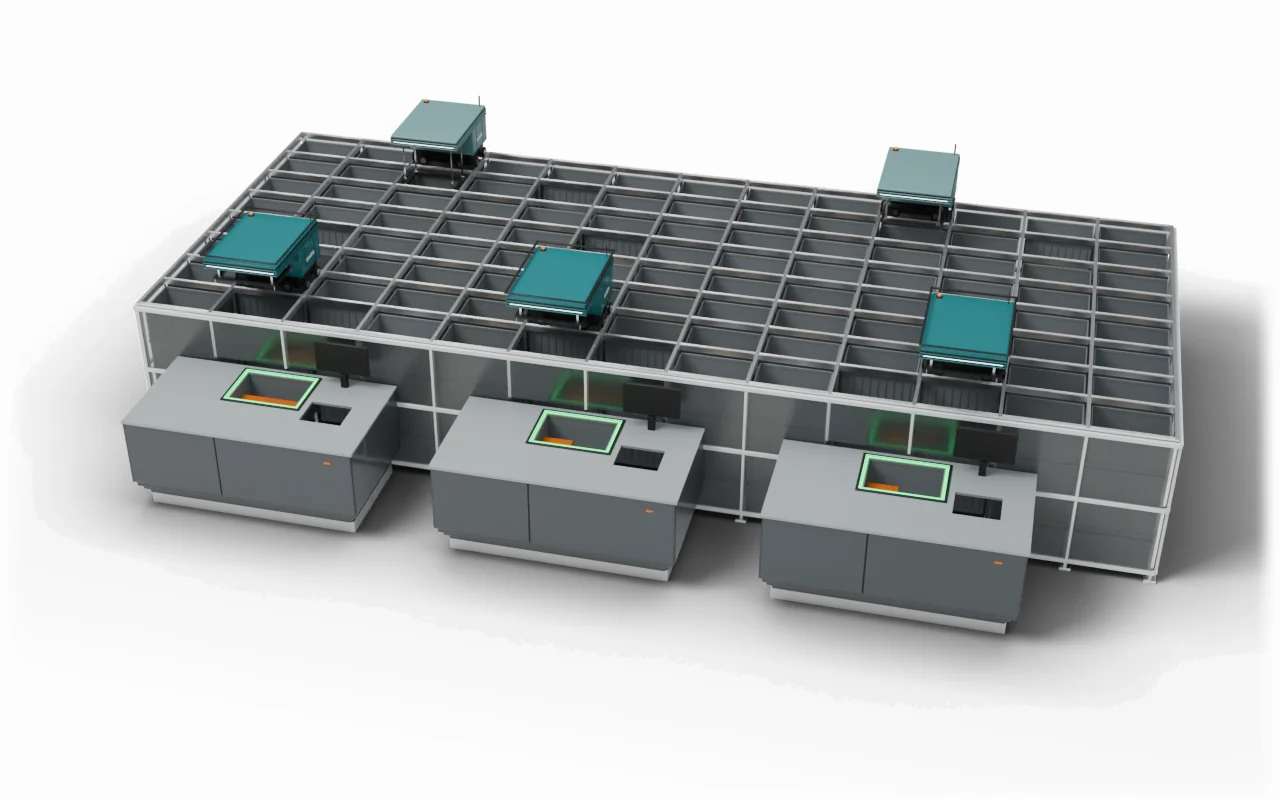
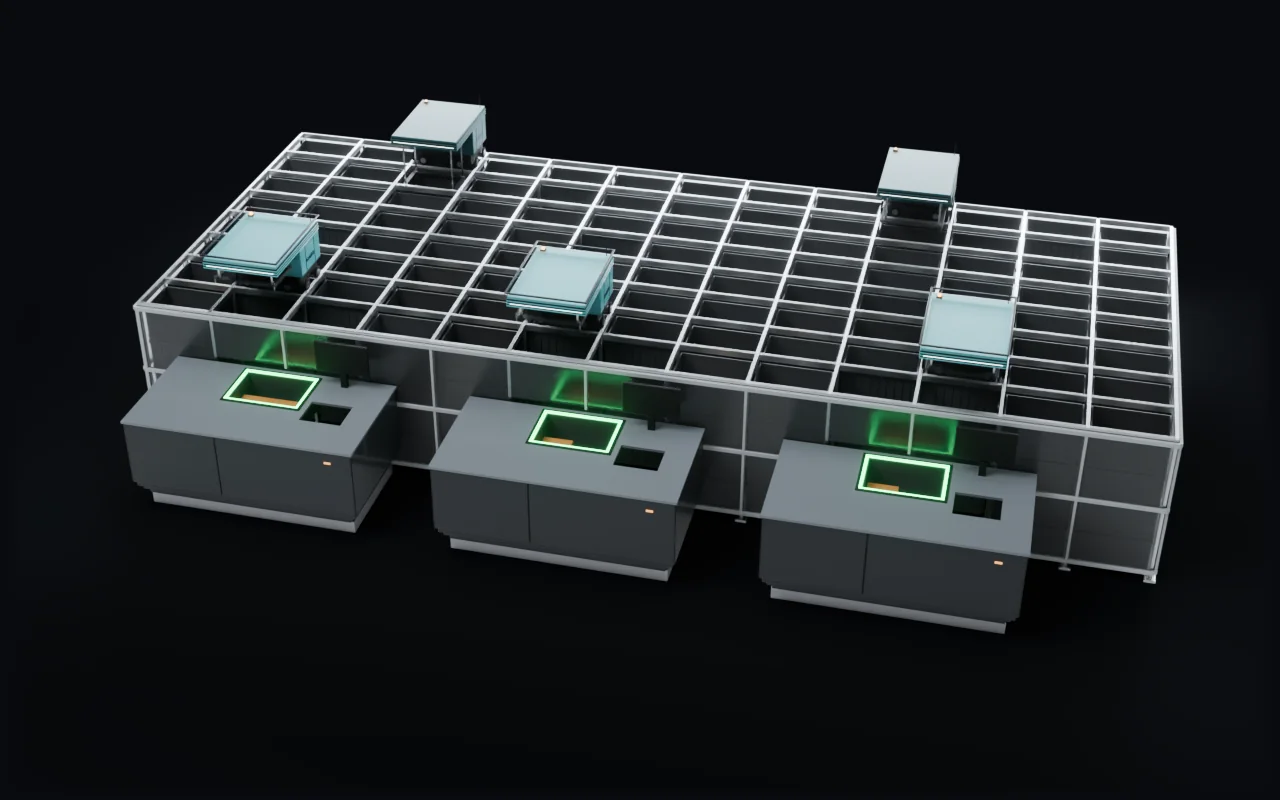
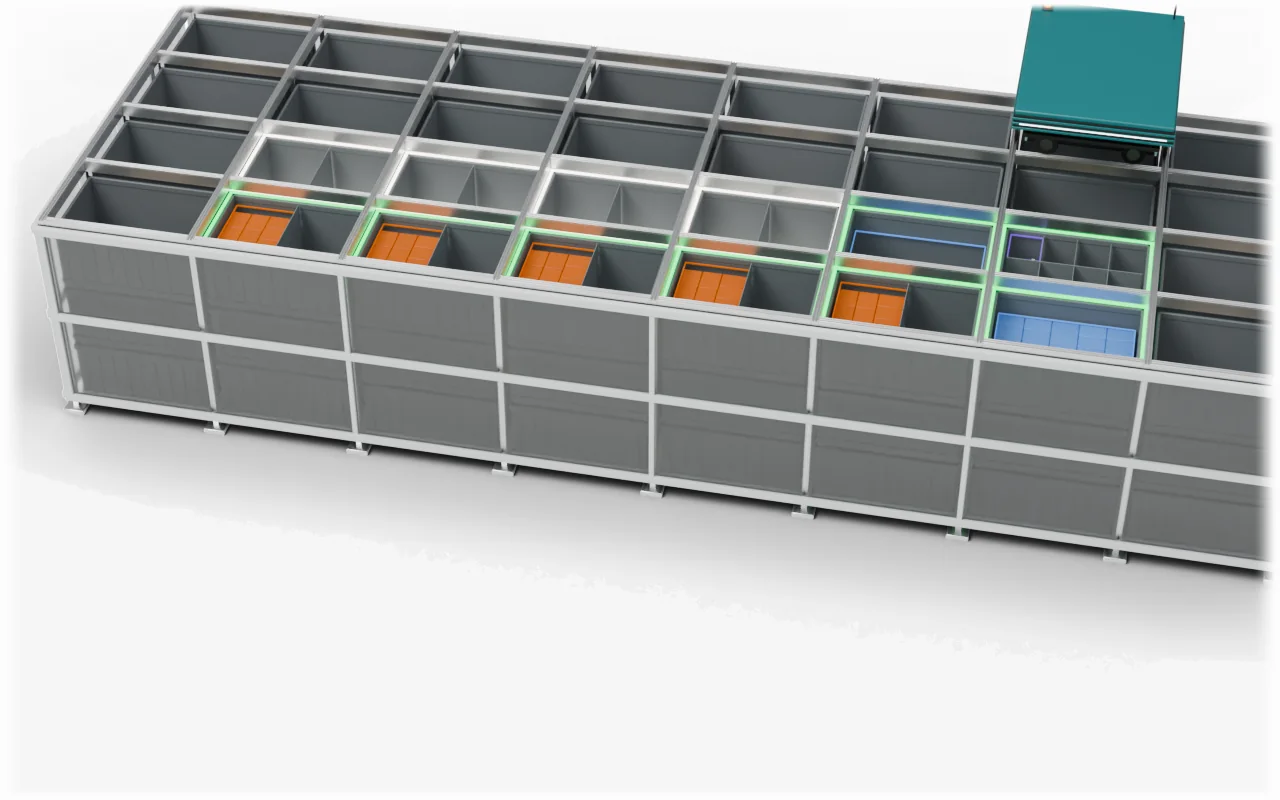
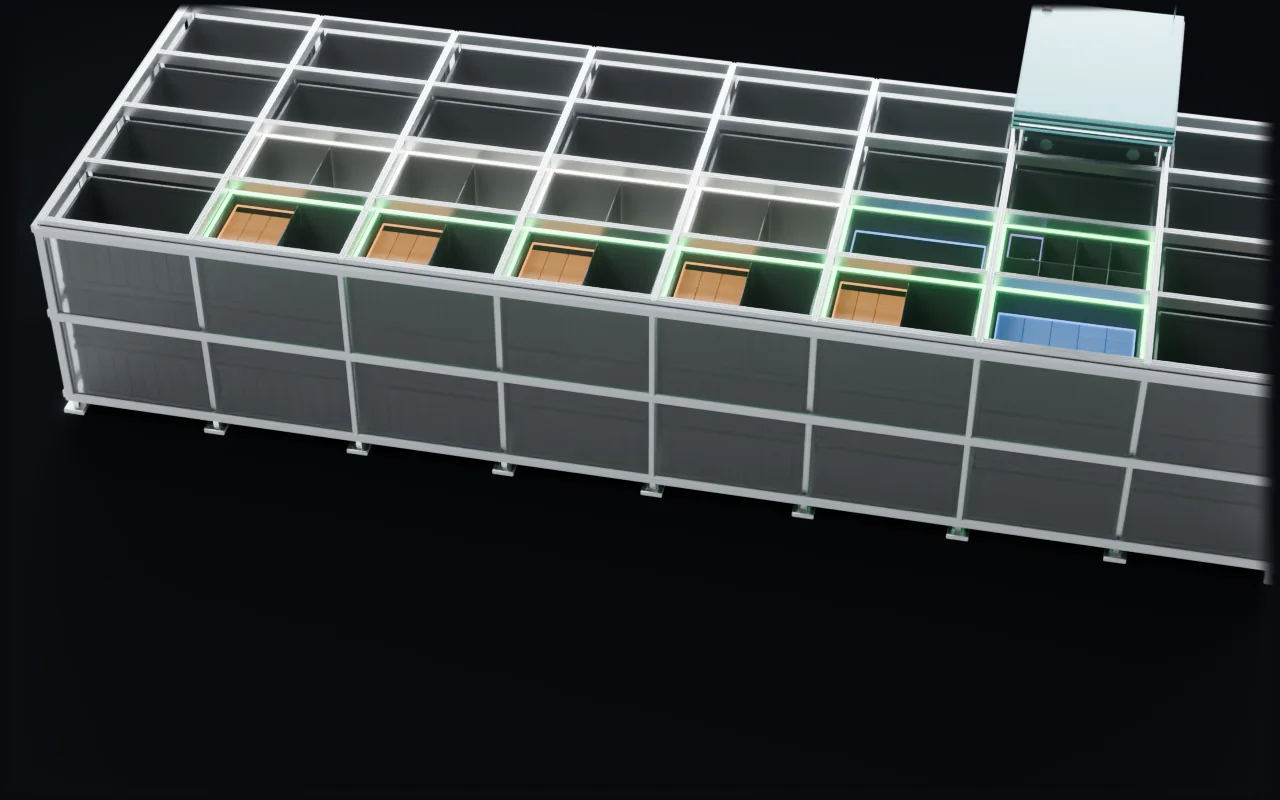
See fast items spread out instead of waiting in one bin
One bin holds all of a fast item. Three ports need it, so robots and pickers wait.
GridFit spreads the fast item over three bins in different stacks, near the top.
Three robots bring three bins at once. Every port keeps picking.
See fast items spread out instead of waiting in one bin 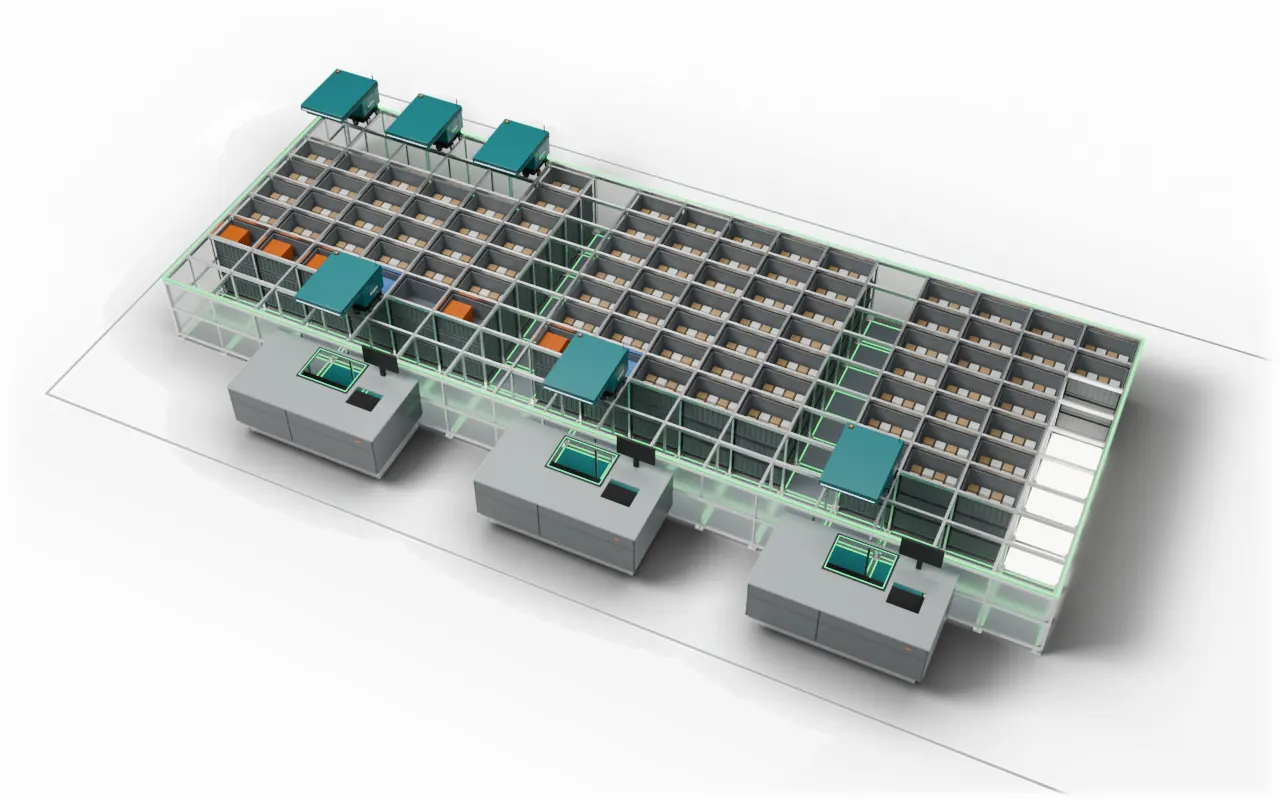
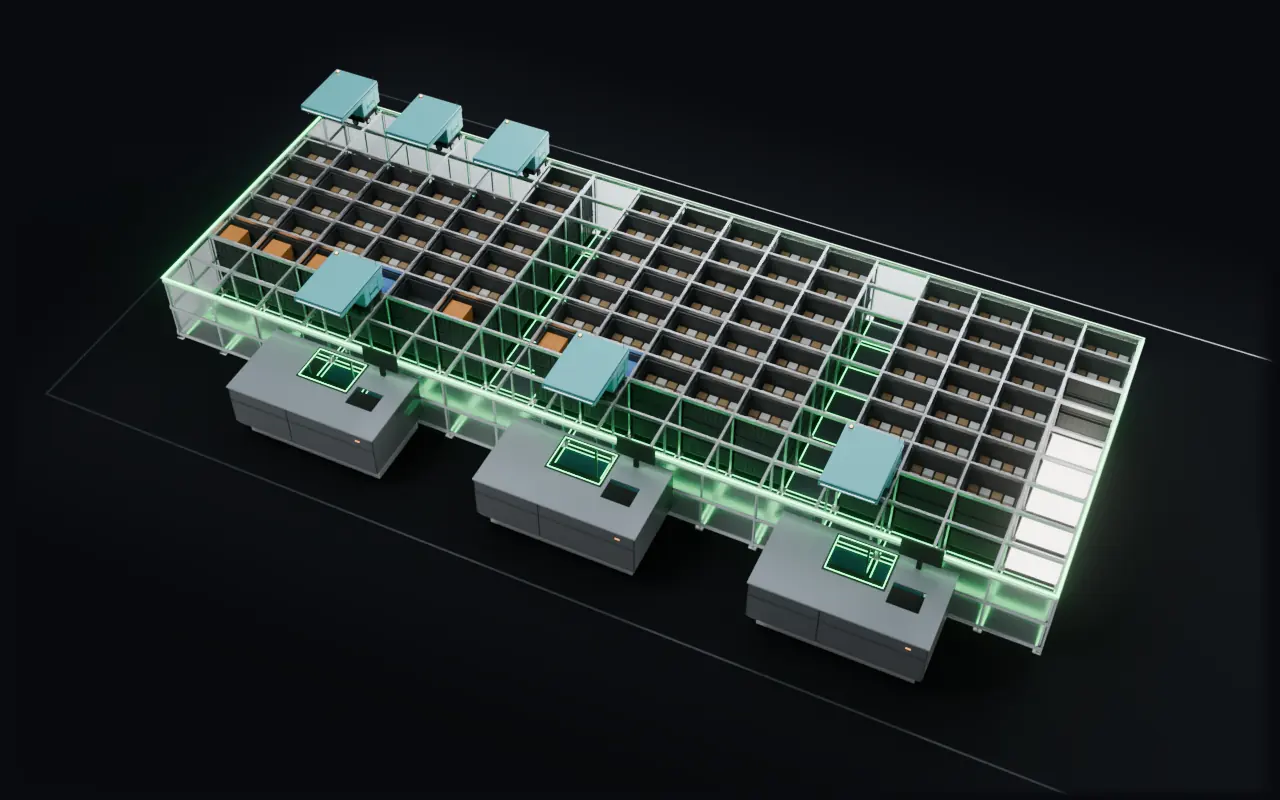
See the grid before it is built
A grid sized by guess: first too small for the bins, then too big and half empty.
GridFit counts the bins your items need and lays out the grid with its ports, cross street and chargers.
The right size, every bin placed and room left to grow.
See the grid before it is built 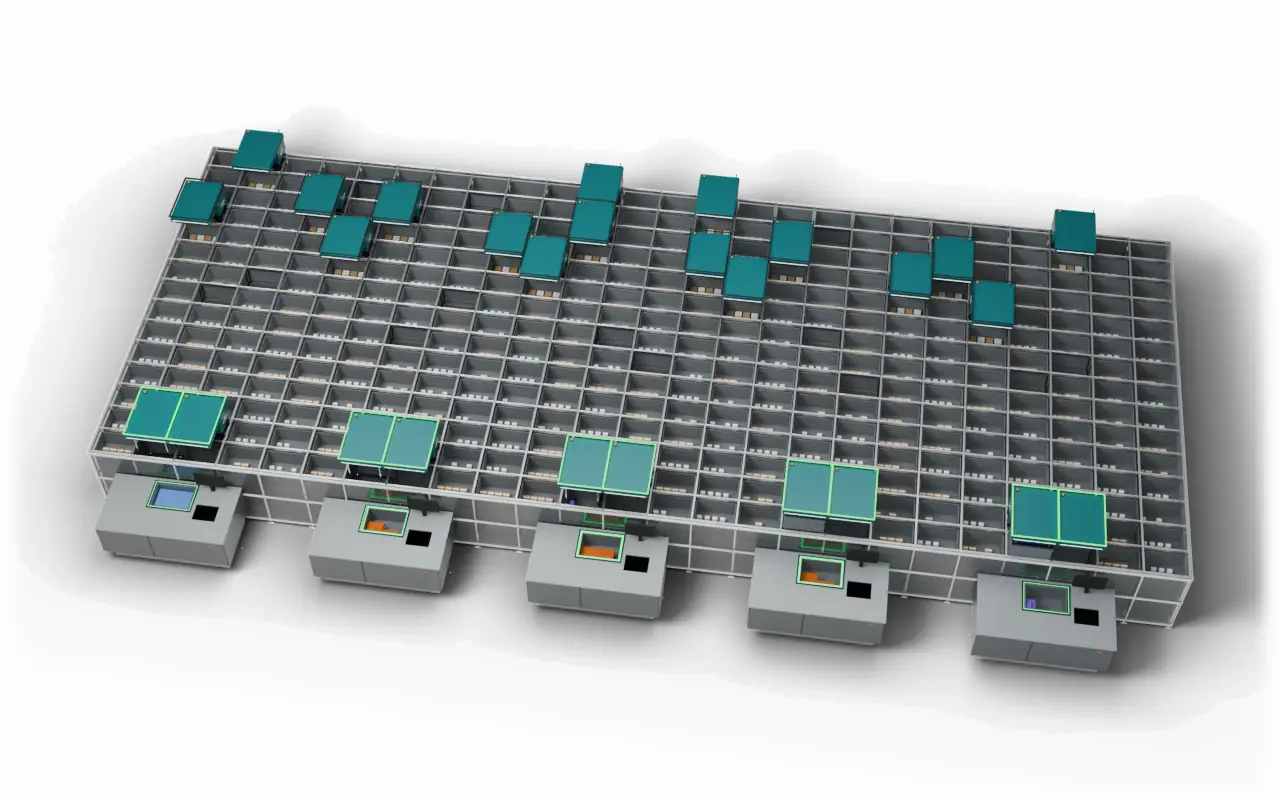
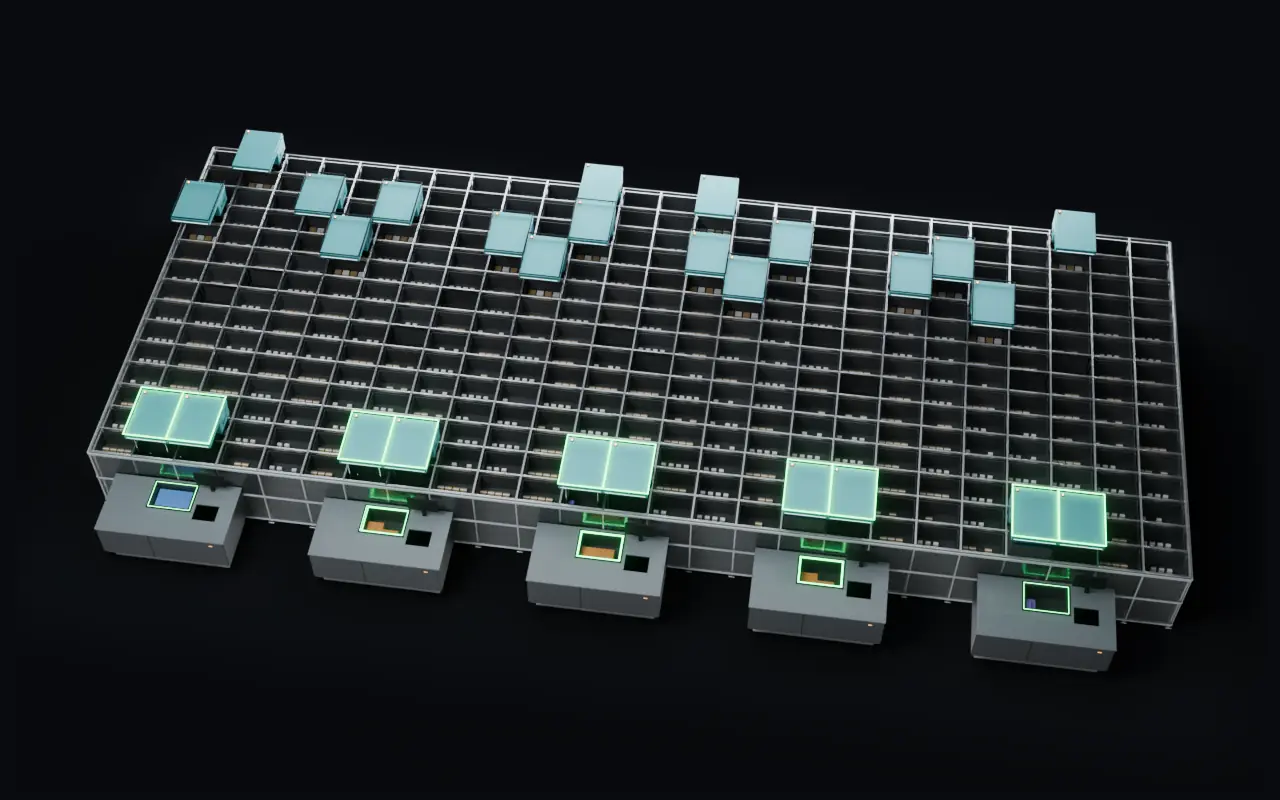
Watch a busy day play out on the grid
Peak hour on an untested grid. Robots queue on a few rows and ports stand idle.
The Grid Twin plays the same day on the planned grid first, finds the jams and the plan changes before go-live.
The same peak flows: every port busy, each robot on its own line, no queue.
Watch a busy day play out on the grid
Built to be checked
No promises we cannot back. This is what you can rely on.
Your data, not averages
A detailed analysis works from your own items, orders and stock, not from industry averages.
The same answer every time
The same data gives the same result, so a plan can be checked and repeated.
Every decision on record
Changes are saved with a note, so you can see later what changed and why.
Estimates say what they rest on
Where a figure is an estimate, we say so and what it rests on.
Who it's for
Three ways to start.
Running a grid
Get more out of the grid you have, with fewer queues, stock levels that follow demand and a grid that stays on plan.
Book a demo for running gridsPlanning a grid
Size a new grid or an extension from your own data, and see it keep up at peak before you commit.
Book a demo for planning a gridPartners & integrators
Bring sizing and setup backed by data to your clients' projects, at the offer stage and in daily operation.
Book a demo for partners
Questions
Do I need to change my WCS?
No. GridFit works from files you export from your WCS and gives you back the settings per item as a file your team can enter. Your WCS stays as it is.
What data do you need?
Your item list with sizes, weights and pack details, and your order history. To check a running grid, also a stock list from your WCS. GridFit tells you what is missing before anything is calculated.
How long does it take?
The free grid check answers at once. How long a detailed analysis takes depends on your data. We agree the steps and the timing with you in the first call.
Is it only for AutoStore?
AutoStore is supported today. If you run or plan another system, tell us about it.
Do I need a grid already?
No. If you are planning one, GridFit sizes it from your data before you buy. If you run one, it helps you get more out of it.
Where is my data?
GridFit is operated by InnCredo. Each company's data is kept apart, and only invited people have access.
Can partners use GridFit for their clients?
Yes. Partners and integrators can plan and check their clients' grids, with each client in its own space.
How much does GridFit cost?
The price is agreed per project, based on the number of grids and items. Ask for a quote in the demo form.
How does a demo run?
A demo takes about 45 minutes online. We show GridFit on demo data, and on a sample of your own item data if you send it before.
Can we sign an NDA?
We sign a non-disclosure agreement before you share your data, if you ask for one.
Try it on your own figures
- Book a demo
Tell us a little about your grid and we will get back to you.
- Free grid check
A few figures in, a rough size for your grid out.